
- Why digital products fit the creator economy
- Choosing your first product type
- Step-by-step: idea to first sale
- Pricing a digital product realistically
- Platforms to sell on in the US
- Sales tax basics for digital goods
Digital products — ebooks, templates, printables, Notion dashboards, spreadsheets — are attractive because there’s no inventory, no shipping, and margins after the first sale are close to 100%. The tradeoff is that you need an audience or traffic source willing to pay before you launch, not after.
Choosing Your First Product Type
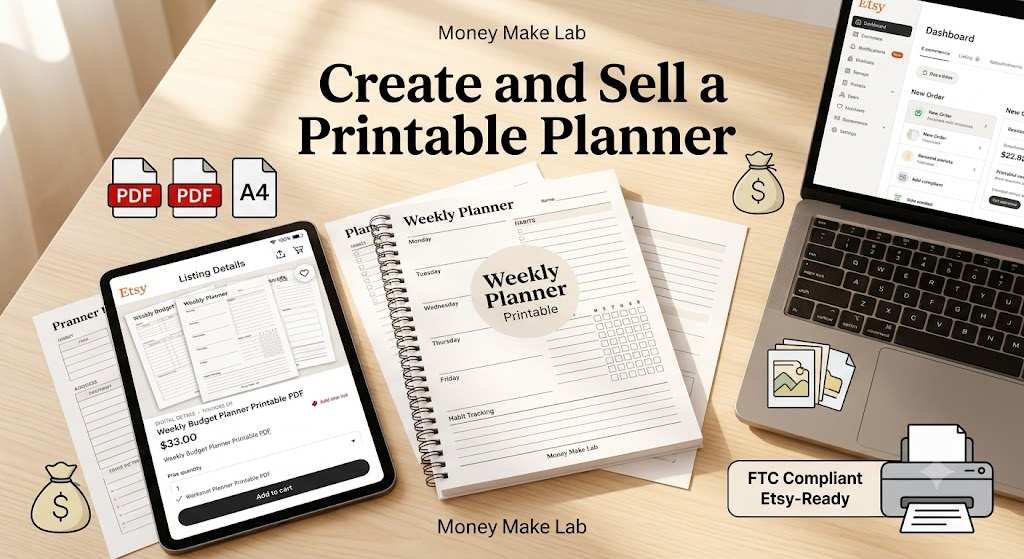
- Templates (resume, budget tracker, social media planner) — fast to make, low price point, high volume potential.
- Ebooks/guides — higher perceived value, works well if you already have written content or a blog audience.
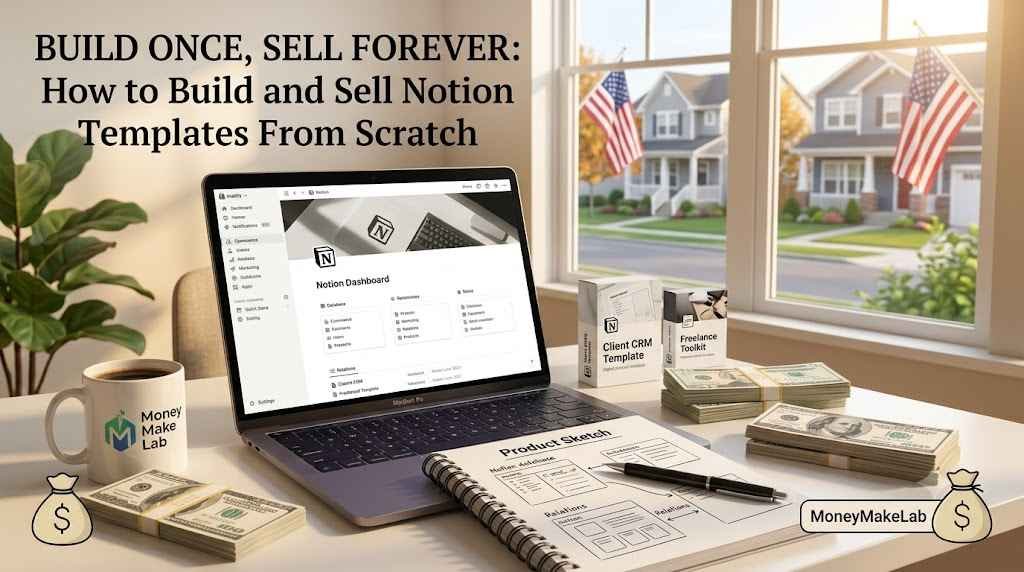
- Notion/Excel dashboards — popular with productivity and finance audiences, reusable across niches.
- Printables (planners, worksheets) — strong for Pinterest-driven traffic, low price, high volume.
Pick the type that matches content you’ve already validated gets engagement — don’t guess from scratch.
Step-by-Step: Idea to First Sale
- Validate demand first — post the idea as free content (a blog post, a carousel) and gauge saves/shares before building the paid version.
- Build a minimum viable version using tools you likely already have (Canva, Google Sheets, Notion) rather than expensive software.
- Create a simple sales page with a clear before/after outcome, not just a feature list.
- Set up a payment processor (Stripe, PayPal, or a built-in option through Gumroad/Payhip).
- Launch to your existing audience first — email list, Instagram followers, or blog readers — before spending on ads.
Pricing a Digital Product Realistically
Underpricing is the most common beginner mistake — a $3 template signals low value and still takes the same marketing effort as a $25 one. Price based on the specific outcome or time saved for the buyer, and consider a tiered structure (basic template vs. a bundle with bonus templates) to increase average order value.
Platforms to Sell On in the US
- Gumroad — simple setup, low fees, popular with independent creators.
- Etsy — strong built-in discovery for printables and templates, though takes a listing and transaction fee.
- Your own WordPress site with Stripe integration — best long-term for SEO and full control, more setup effort upfront.
- ShareASale/CJ Affiliate — useful if you want affiliates to promote your product for you on commission.
Sales Tax Basics for Digital Goods
Sales tax treatment for digital products varies significantly by state — some states tax digital goods like ebooks and templates, others don’t. If you sell through Etsy or Gumroad, the platform often handles marketplace facilitator tax collection automatically; if you sell through your own site, you may need to register and collect sales tax in states where you have nexus. This article is educational, not tax advice — consult a CPA once revenue becomes consistent.
Frequently Asked Questions
Do I need to collect sales tax on digital products in the US?
It depends on the state and platform. Many marketplaces (Etsy, Gumroad) collect and remit sales tax automatically as a ‘marketplace facilitator.’ If you sell independently through your own site, check your state’s specific rules on digital goods and consult a CPA.
What’s the easiest digital product for a total beginner to create?
A focused template (budget tracker, content calendar, resume) is usually easiest — it requires no writing at length and can be built in tools you likely already know.
Can I sell digital products without an existing audience?
It’s possible but significantly harder — most first sales come from an existing blog, social following, or email list, or from marketplace discovery (like Etsy). Building an audience with free content first is a common, effective sequencing.
Building your first product?
Our Content Creation guide covers how to validate an idea with free content before you build anything paid.