
What You’ll Learn
- Why free tools are enough to start
- Design and content tools
- Scheduling and organization tools
- Payments and invoicing tools
- When it’s actually worth paying
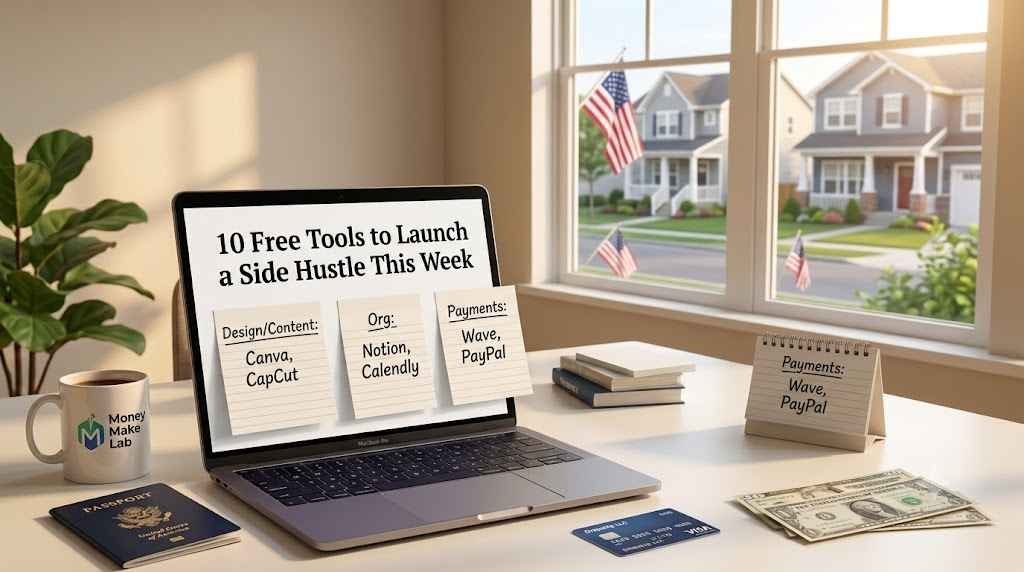
You don’t need a budget to launch most side hustles — you need the right free tools used consistently. This list sticks to tools with genuinely usable free tiers, not 14-day trials disguised as ‘free.’
Design and Content Tools
- Canva (free tier) — logos, social graphics, simple presentations; covers most beginner design needs without a paid plan.
- CapCut — free video editing for short-form content, sufficient quality for Reels, TikTok, and YouTube Shorts.
- Google Docs/Sheets — for drafting content, tracking clients, or building simple templates to sell later.
Scheduling and Organization Tools
- Calendly (free tier) — lets clients book time with you directly, useful for coaching, consulting, or service-based freelancing.
- Trello or Notion (free tier) — track client projects, content calendars, or product ideas in one place.
- Google Calendar — free and sufficient for managing deadlines and client calls without a dedicated app.
Payments and Invoicing Tools
- Wave — free invoicing and basic bookkeeping, popular with freelancers and small side hustles in the US.
- PayPal or Venmo (business profile) — quick way to collect payments from clients without setting up a full merchant account.
- Stripe (pay-as-you-go) — no monthly fee, only a per-transaction cost, good once you’re ready for a more professional checkout experience.
One More Worth Mentioning
Linktree (free tier) — a simple way to consolidate a storefront, booking link, and social profiles into one bio link before you’re ready to build a full website.
When It’s Actually Worth Paying
Free tools cover the first several months of most side hustles well. It typically becomes worth upgrading once a specific limitation is directly costing you sales or time — for example, hitting Canva’s free design limits weekly, or needing recurring/subscription billing that Wave’s free tier doesn’t support. Upgrade based on a specific bottleneck, not because a tool ‘feels’ more professional.
Frequently Asked Questions
Can I really run a side hustle entirely on free tools?
Yes, for the first several months in most cases — the free tiers of Canva, Wave, Calendly, and similar tools cover the core needs of most beginner service or content-based hustles.
Which free tool should I prioritize learning first?
Whichever one removes your biggest current bottleneck — usually a scheduling tool (Calendly) if you’re doing client calls, or a design tool (Canva) if you’re creating content or products.
Do free-tier tools limit how much I can earn?
No — the free tier limits features and volume caps, not your income. Many successful side hustles run entirely on free tiers well past their first few thousand dollars in revenue.
Ready to turn free tools into consistent income?
See our Freelancing guide for how to land your first paying client using exactly these tools.